Investigate with Copilot
Give Copilot a reproducible bug report with clear expected behavior.
What you will learn
Give Copilot a clear bug report and ask it to trace the cause before editing code.
“I added it twice. There is still only one.”
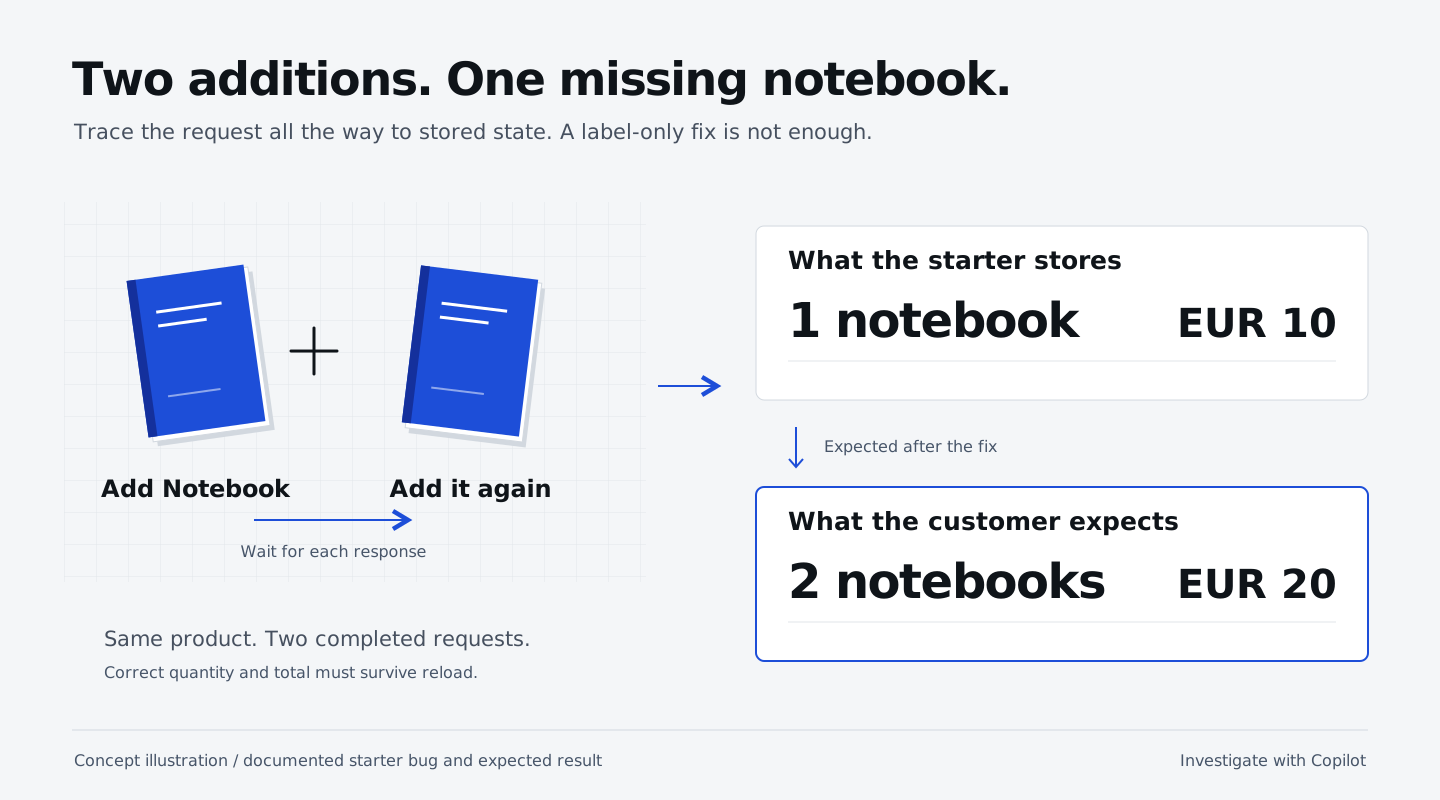
In the shop running at http://127.0.0.1:18765, click Reset cart. Click Add Notebook to cart, wait for the button to re-enable, then click it again. The Notebook costs €10. The starter shows quantity 1 / €10; the customer expects quantity 2 / €20.
This is not just a label problem. The server has replaced the existing quantity. Your fix must survive a page reload.
Continue in your existing session
Continue in the Copilot App project session named Cart: quantity bug that you created in setup. No new session or GitHub issue is needed. Paste this into that session’s composer to investigate without editing yet:
After resetting the cart, I added the €10 Notebook twice,
waiting for each request to finish before the next click.
The shop shows quantity 1 and total €10; I expect quantity 2
and total €20, including after a page reload.
Trace adding the same product twice from the shop UI through
POST /api/cart/items to persisted state. Explain why the quantity
does not accumulate. Do not edit files yet. Name the relevant
files and any assumptions that need a test.
Check the investigation
Check that Copilot explains why the quantity is replaced rather than added, identifies the relevant files and flags any assumptions that need a test. If the explanation is unclear, ask it to clarify before moving on. No code should have changed yet.
What you have learned
- Describe reproduction steps, the observed result and the expected result in a focused App session.
- Ask Copilot to trace a request from the UI to the database without making changes, using relevant files instead of the whole repository.
- Check that the investigation explains the cause and identifies relevant files and assumptions without changing code.