Canvas and Pick & polish
Open the running shop in a shared Browser canvas and target one UI improvement.
What you will learn
Use a shared Browser canvas in Copilot App and invoke /impeccable
with Pick & polish to improve one visible interaction.
What is a Canvas?
A Canvas is an interactive work surface beside the conversation. You and Copilot can inspect and interact with the same artifact: a web page, terminal, document or another supported surface. Here, use the Browser canvas to see your running shop and point to a UI issue without having to describe its location from memory.
The canvas is not the server. It displays a URL; opening it does not build or start Spring Boot. You do not need to create a canvas extension for this exercise. See the Canvas guide.
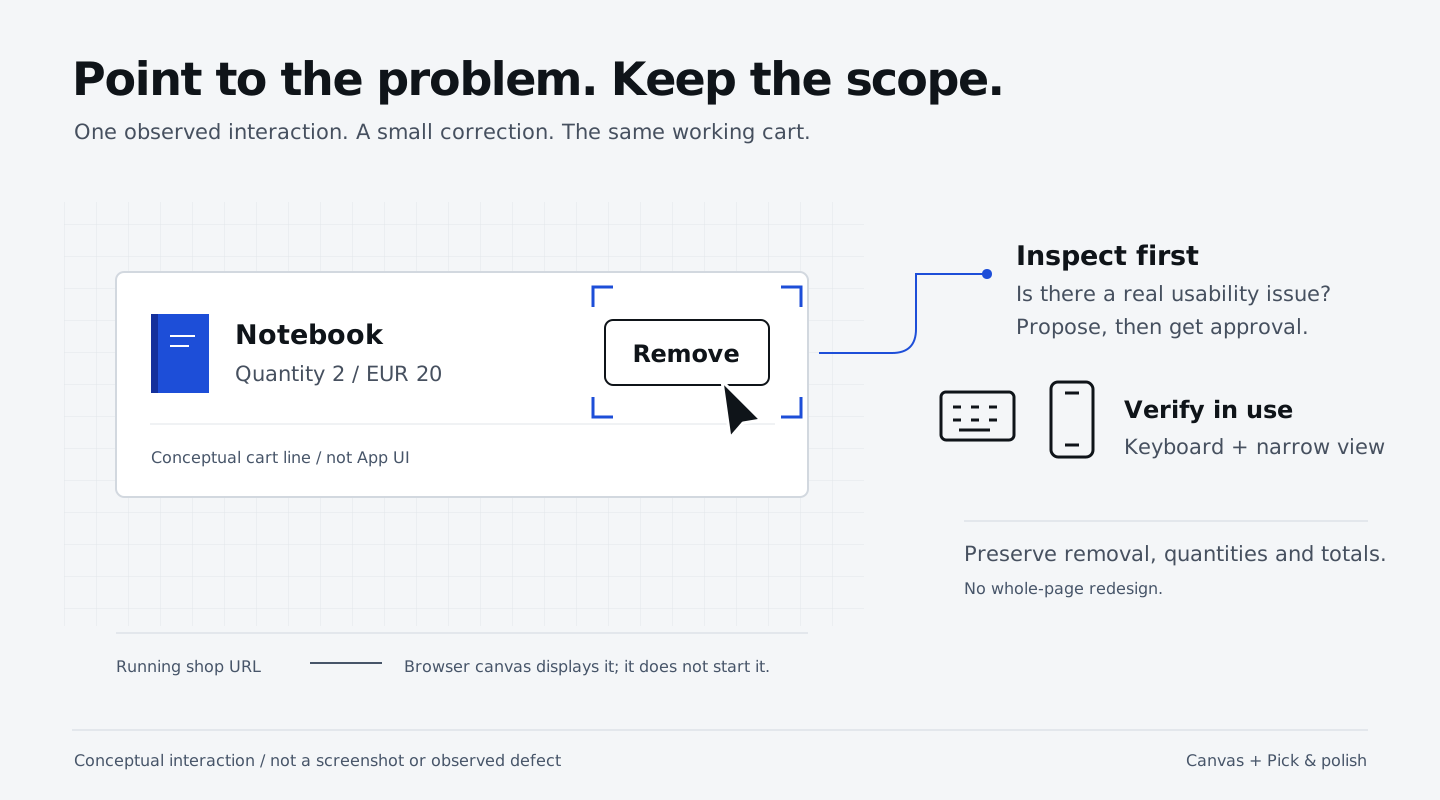
Open the running shop
Stay in Cart: item removal, on its current branch, with the accepted removal feature. Use Interactive. Reuse the human-owned server already running from this session’s directory. If needed, use the server handoff. Keep its terminal open. Give Copilot this prompt in the same session:
Confirm which source directory owns the running shop.
Check that http://127.0.0.1:18765 responds, then open that URL in the
Browser canvas beside this conversation. Do not start a second server,
create a canvas extension or change files.
Confirm the shop appears in the App’s side panel. Add products, remove one, then reload; you are using the application, not a screenshot.
Pick one interaction to improve
Use the Browser canvas’s Pick & polish control to select the Remove
button on a cart line. In the feedback associated with that selection,
invoke /impeccable with a specific styling request that reuses the shop’s
existing theme:
/impeccable
Make this Remove button more compact and use the existing secondary theme color,
not Add to cart's primary styling. Use a real <button type="button"> with secondary
button styling, not a link. Keep its label, accessibility and whole-line
DELETE behavior, visible keyboard focus and a usable click/tap target.
Only change src/main/resources/static/. No backend, dependencies or test changes.
Propose and wait for my approval.
After approval, apply it and run ./mvnw compile in this session's directory.
Reload this existing Browser canvas and verify the result. Keep the shop running;
report compilation or refresh failures. If it already meets these criteria,
say no change is needed.
Approve the change, then review Changes and let Copilot reload the same Browser canvas automatically.
Compare Remove with Add to cart: Remove should be compact and secondary, while Add to cart stays primary. It must remain a real button, not a text link or an anchor styled as a button. Keep the label unchanged and check keyboard focus remains fully visible, including in a scrolling cart, at desktop and narrow widths. Confirm removal still deletes the whole product line, including all its units, while other products, quantities and totals remain correct. Run:
./mvnw -Dtest=BaselineTest,CartContractTest,RemoveContractTest test
All tests must pass without weakening assertions. Record the before/after result on the worksheet.
If the canvas, picker or skill is unavailable
Check the shop URL first. If Browser or Pick & polish is unavailable, use your
normal browser and send a screenshot or specific observation.
If /impeccable is unavailable, use explicit UI criteria instead.
Record the fallback; do not claim a tool or skill ran when it did not.
Publish removal and Canvas changes
The removal feature and any accepted Canvas polish belong to one PR.
Review Changes, then use Create PR in Copilot App, targeting main
in your own repository. If the PR already exists, open it instead.
Review Files changed and the tests CI job.
Once you accept the result, ask Copilot:
Merge this reviewed removal-and-Canvas PR into main in my own repository only
after all required checks and approvals pass. Do not bypass protections.
Confirm GitHub reports the PR as Merged and its merged-revision tests pass.
Fetch origin/main and verify it contains the removal feature, RemoveContractTest.java
and accepted Canvas changes, preserving the quantity fix and earlier tests.
Report the PR link and verified main commit.
Record the handoff on the worksheet.
Do not start MCP until this PR is merged and verified.
Continue to Investigate runtime with MCP in a
new session from that updated main. Keep the removal session’s history and branch.
What you have learned
- Distinguish the running server from the Browser canvas that displays it.
- Invoke
/impeccablewith Pick & polish; have Copilot refresh the same canvas after approved edits, then verify behavior. - Publish removal and accepted Canvas polish in one reviewed PR before starting the query session.